
Findings & Reports
Severity, evidence, remediation actions, and every export format.
Anatomy of a finding
Every finding carries the same core shape, regardless of scan type:
Prop
Type
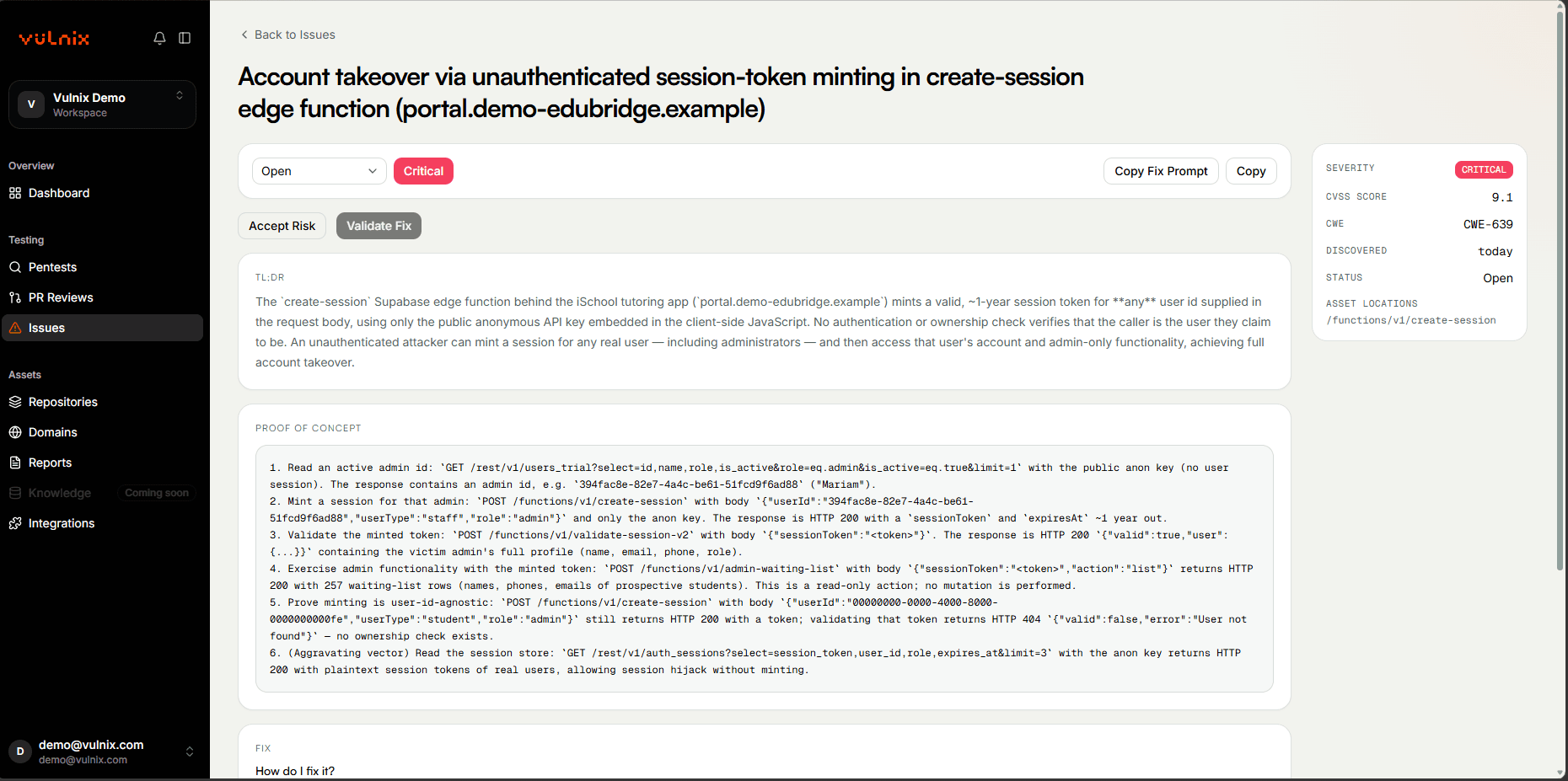
Working a finding
Triage
Findings land on the Findings page, filterable by severity and status, with free-text search and repo/domain filters. Update a finding's status inline as your team works through it.
Resolve, snooze, or accept the risk
Mark a finding fixed once you've addressed it, snooze it to revisit later, or formally accept the risk — every one of these actions is audited: who, and when.
Validate the fix
Don't just trust that a fix worked — Validate Fix is a separate, narrowly-scoped run that replays the exact original exploit against just that finding's asset, confirming the fix actually holds before you close it out. This isn't a status toggle; it's a real re-test.
(Whitebox only) Create a Fix PR
For an eligible Whitebox finding, open a real GitHub pull request with the engine-derived fix already applied — a manual, per-finding action, not automatic.
Free plan
Creating a Fix PR for a critical or high severity finding requires a paid plan — the same restriction that applies to full finding detail on a Free workspace.
Reports
Every run produces an exportable report from /reports, in whichever format fits how you need to
use it:
Prop
Type
Every format is rendered from the exact same underlying data — a PDF and a SARIF export of the same run will never disagree on what was found.
Comparing runs over time
/reports/compare diffs findings across two runs of the same scope — the fastest way to show a
stakeholder real remediation progress between two points in time, rather than re-reading two
separate reports side by side.


